How to Create a Deriv Bot Step by Step: Trade Parameters, Purchase Conditions and Restart Rules
Step 1: Open Bot Builder
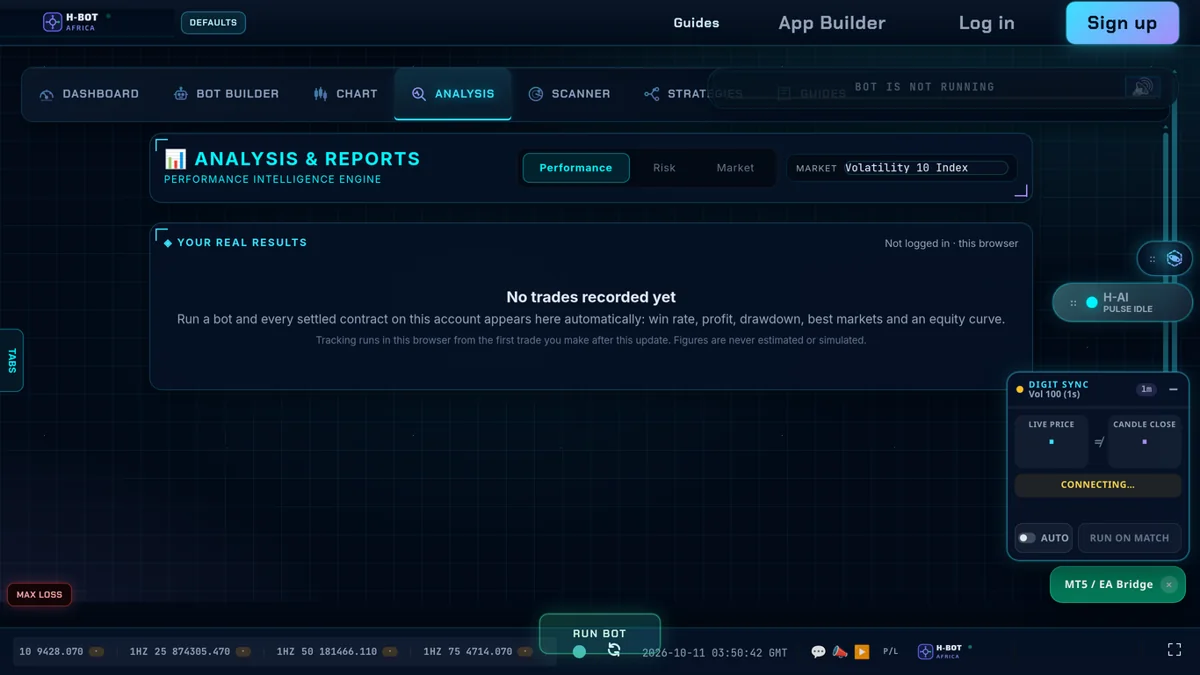
Log in, switch to your demo account and open Deriv Bot (or Bot Builder in the H-BOT app). Start from a blank workspace or a quick strategy.
Step 2: Trade Parameters
| Setting | Example |
|---|---|
| Market | Derived → Continuous indices → Volatility 100 Index |
| Trade type | Up/Down → Rise/Fall |
| Contract type | Both (lets the bot choose) |
| Candle interval | 1 minute |
| Duration | 5 ticks |
| Stake | 1% of balance, e.g. $1 |
Step 3: Purchase Conditions
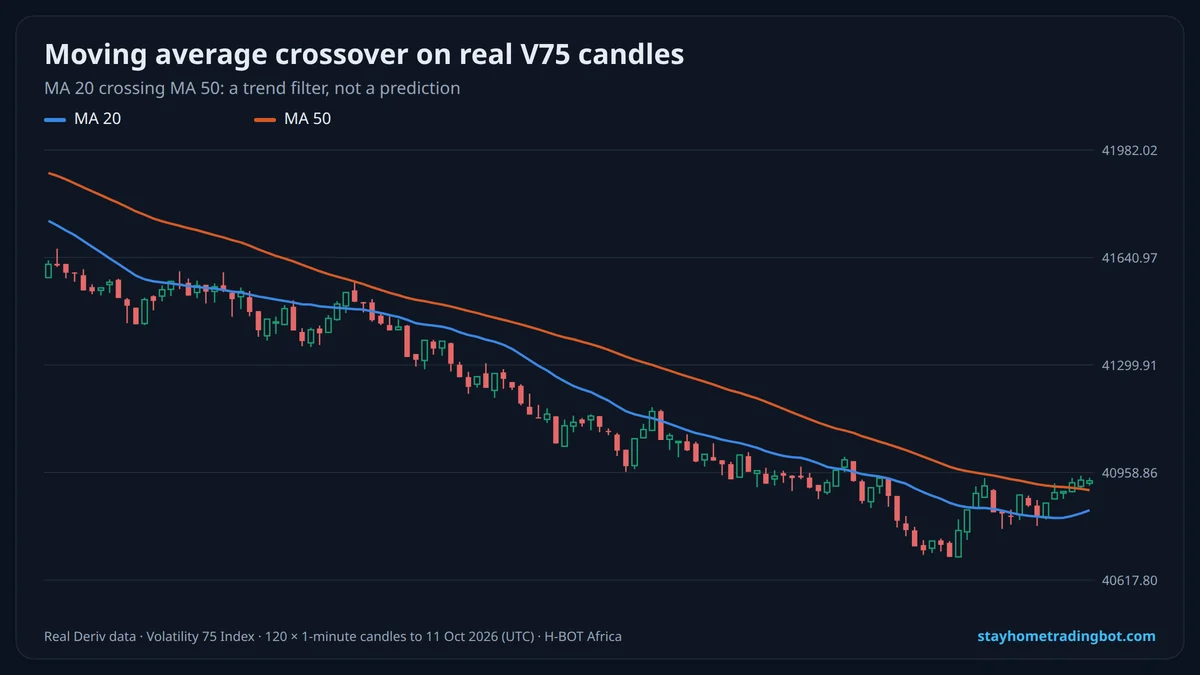
Tell the bot what to buy and when. The simplest: always buy Rise. Better: buy Rise only when a condition is true, such as the last tick being higher than the one before, or a moving average rising. Logic blocks (if/else) and indicator blocks make this possible.
Step 4: Sell Conditions (Optional)
For contracts that can be sold early, you can sell when profit reaches a target. Many tick contracts are simply left to expire.
Step 5: Restart Trading Conditions and Limits
- Read the result of the last trade (win or loss, profit).
- Add it to a running total profit variable.
- If total profit ≥ take-profit, stop. If total profit ≤ −stop-loss, stop.
- Otherwise trade again.
Step 6: Save, Test and Review
- Save the bot to your computer as XML so you can reload and share it.
- Run at least a few hundred demo trades.
- Record results in a journal: win rate, profit, biggest losing streak, drawdown.
- Change one thing at a time.
Want ready-made bots instead? See free Deriv bot XML files, our Rise/Fall bot test and how to buy a bot safely.
Try It Free on a $10,000 Demo
Open a free Deriv account, connect it to H-BOT Africa and test bots, signals and digit tools on virtual money before risking a shilling.
Open a free Deriv account Open Deriv Bot Open H-BOT Ask on WhatsApp
Have an audience? Become a Deriv partner and earn commission on clients you refer.
Disclosure: some links on this page are Deriv partner links. If you open an account or become a partner through them, H-BOT Africa may earn a commission at no extra cost to you.
Frequently Asked Questions
How do I create a Deriv bot?
In Bot Builder, set trade parameters, purchase conditions, optional sell conditions and restart rules, then save and test on demo.
Is Deriv Bot free?
Yes, Deriv Bot is free to use with a Deriv account.
What are the main blocks in Deriv Bot?
Trade parameters, purchase conditions, sell conditions and restart trading conditions.
How do I add a stop loss to a Deriv bot?
Track total profit in a variable and stop the bot when it falls below your loss limit.
Can I save my Deriv bot?
Yes, as an XML file you can reload later.
Do I need coding to build a Deriv bot?
No; Bot Builder uses drag-and-drop blocks.
Related Guides
 Free Deriv Bot XML Downloads: Are They Safe and Do They Work?Best Deriv Bot Settings: Stake, Take-Profit, Stop-Loss and Martingale Explained
 Bot Builder Rise/Fall Rules Tested: Trend, Momentum and Reversal on Real Deriv Ticks
 How to Buy a Deriv Trading Bot Safely: What to Check, Fair Prices and Free Tests